
Thinking about upgrading your PC without breaking the bank?
In a constantly evolving and increasingly expensive hardware market, finding the right gaming PC build for the price in 2026 might seem like an impossible mission if you don’t know how to configure a computer.
But it’s not: you just need to know where to cut corners and where to spend more. That’s why tech expert Technoforce shows us, component by component, how you can build your next PC at PcComponentes with the peace of mind that every euro you spend directly boosts your FPS.
What does “value for money” really mean when building a PC in 2026?
When we talk about value for money in a gaming PC, we’re not referring to the cheapest possible build or the best gaming PC configurations of 2026: we’re talking about focusing on getting the most out of every euro in real-world performance. The idea is that the money goes towards the components that directly affect FPS, system smoothness, and the longevity of the hardware.
To achieve this, we need components that work together seamlessly without bottlenecks and, above all, without sacrificing thermal stability or electrical reliability. With that philosophy in mind, here are the recommendations from the Technoforce channel, which we’ve reorganized so you can make an informed decision about your next purchase at PcComponentes.
The Five Golden Rules for a Balanced PC Build
There are five things to keep in mind when building your PC in 2026 to ensure your games run with the power you need.
- CPU and GPU at the same level: Pairing a GeForce RTX 4070 with an Intel Core i3 would be a waste of money: the processor would bottleneck the graphics card. Keep it logical: if you’re going for a mid-to-high-end graphics card, also choose a mid-to-high-end processor.
- Sufficient and fast RAM: 16 GB of DDR4/DDR5 at 3200-3600 MHz is already the foundation for any gamer. Can you afford to jump to 32 GB? Even better: a guaranteed extra lifespan.
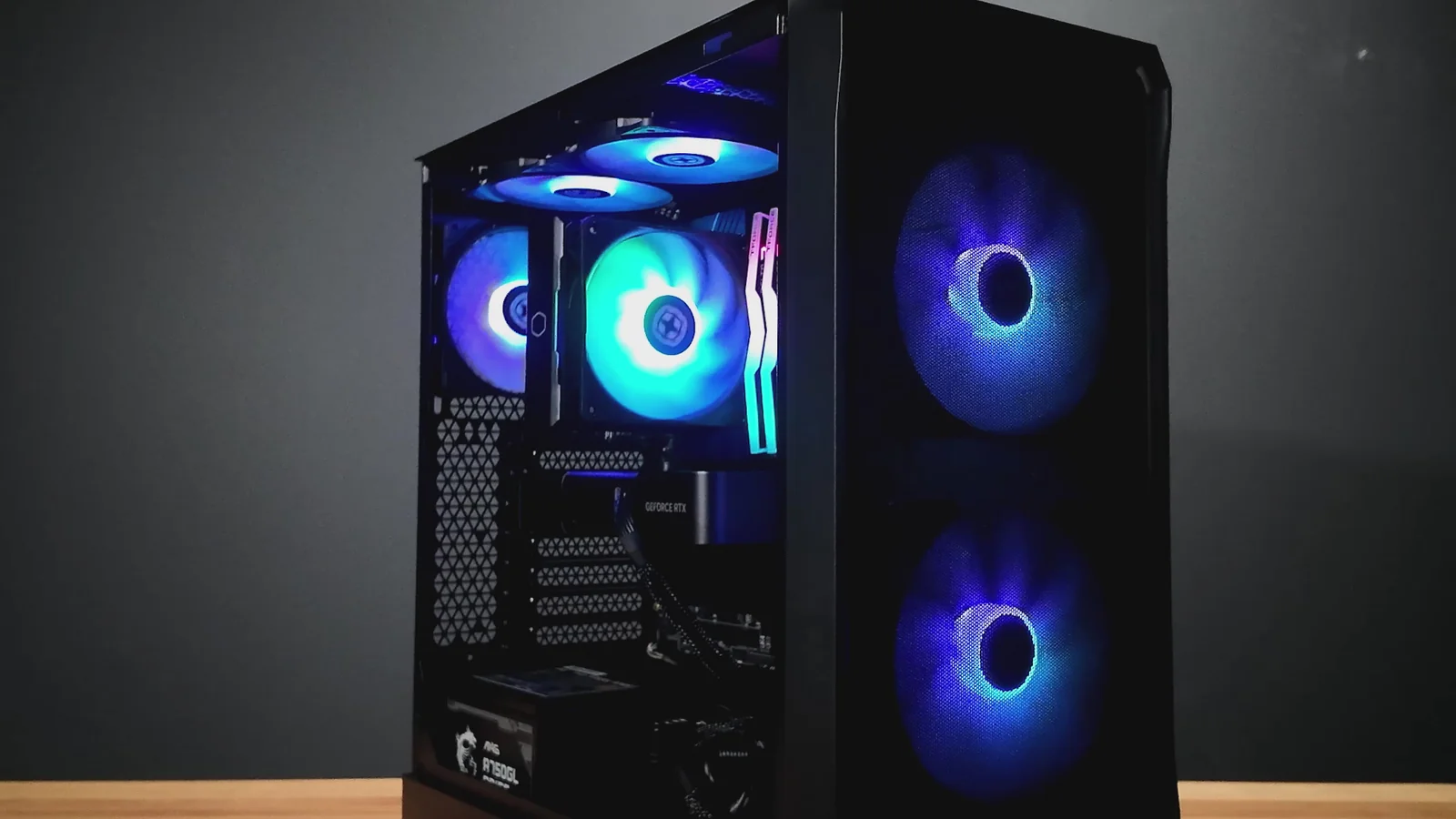
- Case with good airflow: Choose a case with a mesh front panel and space for several fans. Airflow isn’t reflected in the price, but it makes a difference in the temperature and the long-term health of your GPU.
- NVMe storage as a minimum: By 2026, installing your system and games on an M.2 PCIe 4.0 SSD is non-negotiable. Faster loading times, smoother updates, and zero stuttering.
- Reliable power supply: The PSU is not the place to cut corners. 650W 80 PLUS Bronze (Corsair, Cooler Master, Be Quiet!) is the minimum for mid-range configurations. If your graphics card is more powerful, consider 750W and Gold certification.
Build Your Quality-Price Gaming PC for $650
If you are looking for a cheap yet reliable gaming PC for eSports and AAA titles in Full HD, this combination offers the best FPS per dollar:
| Component | Recommendation | Why it fits |
| CPU | AMD Ryzen 5 5600 or Ryzen 7 5700X (if on sale) | 6/8 cores with great IPC at a budget price. |
| Motherboard | B550 M (mATX) | Stable chipset, light overclocking options. |
| GPU | AMD Radeon RX 6600 | TOP performance for 1080p and AV1 support. |
| RAM | 16 GB (2×8 GB) DDR4 3200-3600 MHz | Dual channel, low latency. |
| Storage | 1 TB NVMe SSD PCIe 4.0 | Speeds > 4 GB/s without breaking the bank. |
| PSU | 650 W 80 PLUS Bronze | Enough headroom for GPU power spikes. |
| Case | ATX/M-ATX with mesh front panel | Prioritize airflow over aesthetics. |